


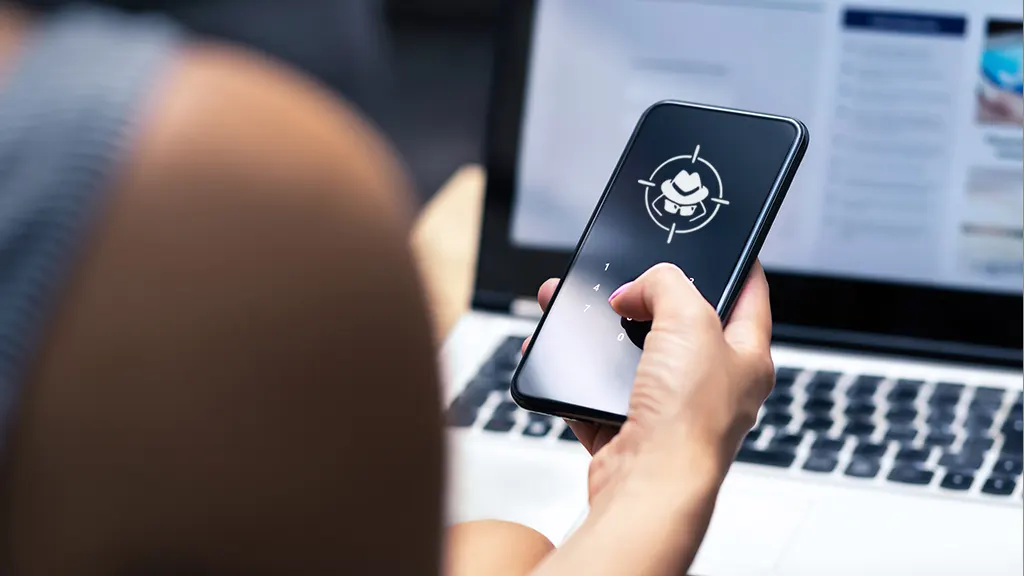
A sudden battery drain, unexplained data usage or unfamiliar apps on your phone may be signs that your device or one of the accounts connected to it has been compromised.
However, a single unusual behaviour does not necessarily mean your phone has been hacked. Recent software updates, poorly optimised apps and other routine issues can produce similar symptoms.
The first step is therefore to check the accounts linked to your phone.

On an iPhone, open Settings, tap your name and scroll down to see devices signed in to your Apple Account. Android users can visit their Google Account, open Security and check the “Your devices” section.
Any unfamiliar device should be signed out immediately, followed by a password change.
Other warning signs include unusually rapid battery depletion, particularly when the phone’s usage pattern has not changed. Checking the Battery section in Settings can show which apps are consuming the most power.
An unfamiliar app using significant battery power should be investigated, although a recent operating-system update can also temporarily increase battery consumption.
A phone that becomes unusually warm while idle can also warrant attention, especially when there is no obvious reason for increased processor activity.
Users should also monitor mobile data consumption. Spyware and other malicious software can transmit information such as location, messages or files, potentially increasing data usage.
On iPhones, this can be checked under Settings and Cellular, while Android users can search Settings for “data usage”.
Unfamiliar applications are another warning sign. Users should avoid opening unknown apps until they establish what they are.
Android users should also review Accessibility, Notification access and Device admin apps, as malicious applications can sometimes abuse these permissions.
Unexpected activation of the camera or microphone should also be investigated. On iPhones, a green indicator means the camera is being used, while an orange indicator signals microphone access. Android devices display a green indicator when the camera or microphone is active.
Unexpected security codes, password-reset emails or account notifications can indicate that someone is attempting to access an account.
If these alerts are accompanied by a sudden loss of mobile service or an “SOS” or “No Service” message in an area where coverage is normally available, users should contact their mobile network operator from another phone. The number may have been transferred to another SIM card through a SIM-swap attack.
Messages sent from your accounts without your knowledge can also indicate that an individual account has been compromised rather than the phone itself.
What to do if you suspect your phone has been compromised
The safest approach is to secure your accounts before attempting more drastic measures.
First, change the password for your primary email account, preferably from another trusted device. Email accounts are often used to reset passwords for banking, social media and other services.
Next, secure your mobile number with your network provider to reduce the risk of SIM-swap or unauthorised number transfers.
Users should then activate two-factor authentication on important accounts. Authentication apps and passkeys can provide stronger protection than SMS codes, particularly when there is a risk that a phone number has been compromised.
Reviewing app permissions is also important. iPhone users can go to Settings, Privacy & Security and review access to location, camera, microphone and contacts.
Android users can use Permission Manager under the privacy settings to determine which applications can access sensitive information and device functions.
On Android, users can also run a security check through Google Play Protect by opening the Play Store, tapping the profile icon, selecting Play Protect and running a scan.
iPhone users should check Settings, General, VPN & Device Management for unfamiliar configuration profiles. However, a profile on a work-managed device may have been installed legitimately by an employer and should not be removed without checking with the organisation’s IT department.
Restarting the phone is another simple security measure. Regular reboots can disrupt some malicious processes that operate temporarily in the device’s memory.
If suspicious activity continues after these steps, a factory reset may be necessary.
Before resetting the device, users should back up essential photos and contacts and ensure they know the passwords for their accounts. After the reset, applications should preferably be reinstalled individually from official app stores rather than restoring every application from an old backup.
Take extra care if someone you know may be monitoring you
The situation requires additional caution if the suspected surveillance involves a partner, former partner or family member.
Removing monitoring software immediately could alert the person responsible and potentially escalate the situation. Anyone in that position should consider seeking advice from a domestic-violence or digital-safety organisation using a device the suspected person has never accessed.
iPhone users can also use Safety Check under Settings, Privacy & Security to review sharing arrangements, app permissions and access to information.
How to prevent future attacks
Keeping a phone secure starts with basic habits.
Users should enable automatic software updates, install applications only from official app stores and avoid clicking unexpected links in text messages or emails.
Important accounts should have unique passwords, preferably stored in a reputable password manager, while two-factor authentication or passkeys should be enabled wherever available.
A stronger phone passcode, regular device restarts and periodic reviews of account login activity can also reduce the risk of unauthorised access.
Even when there is no obvious sign of compromise, two quick checks are worthwhile: review the devices signed into your Apple or Google account and secure your mobile number against unauthorised SIM or number transfers.
These checks take only a few minutes and can expose unauthorised access before it becomes a larger problem.

- Explosion rocks Kubwa, shakes buildings - September 27, 2026
- Zidane bans hairdressers from France camp - September 27, 2026
- Oyedepo@72: Your commitment to human development is remarkable — Tinubu - September 27, 2026